> ## Documentation Index
> Fetch the complete documentation index at: https://docs.winnieswap.com/llms.txt
> Use this file to discover all available pages before exploring further.
# Create a Pool
> Select your pair of token, choose your fee, deposit the initial liquidity
# **Navigate to My Positions**
Click the `My Positions` option in the navigation bar. Here, you can view your positions, explore the top pools by TVL, and create new ones.
# **Creating a Pool**
To begin creating a pool, click `New` and choose the tokens you want to add liquidity for. You can provide liquidity for any pair of tokens supported on Winnieswap.
## **Select Fee Tier**
Choose your desired tokens you want to create a position for and select the fee tier. Click on `Continue` to go into the next step.
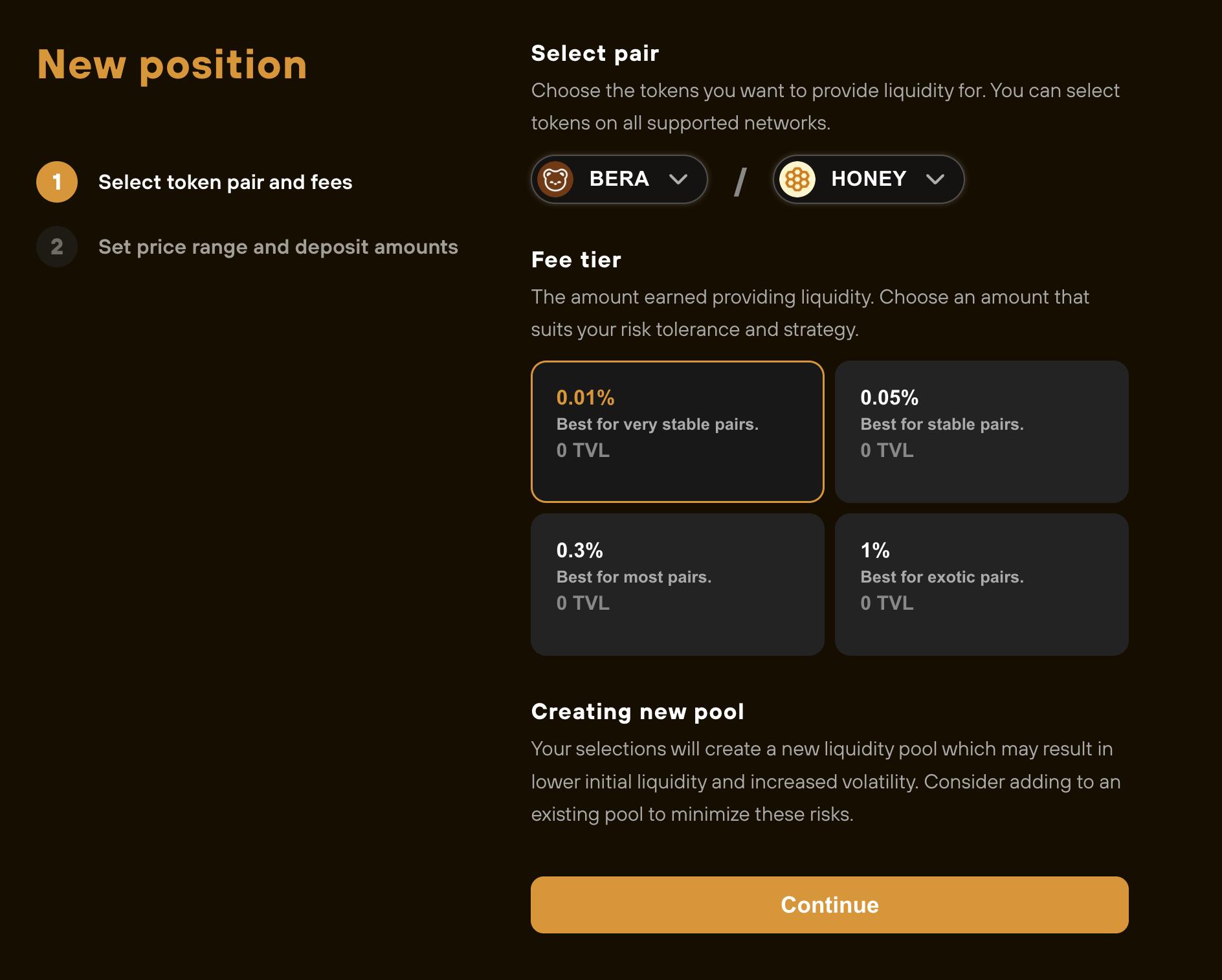 If `Create new pool` doesn't appears at the bottom, it means a pool already exists for the current pair of tokens at the currently selected fee tier. In this case, refer to our [Create a Position page](https://docs.henlo-winnie.dev/winnieswap/create-a-position).
You can try selecting other fee tiers until you see `Create new pool` .
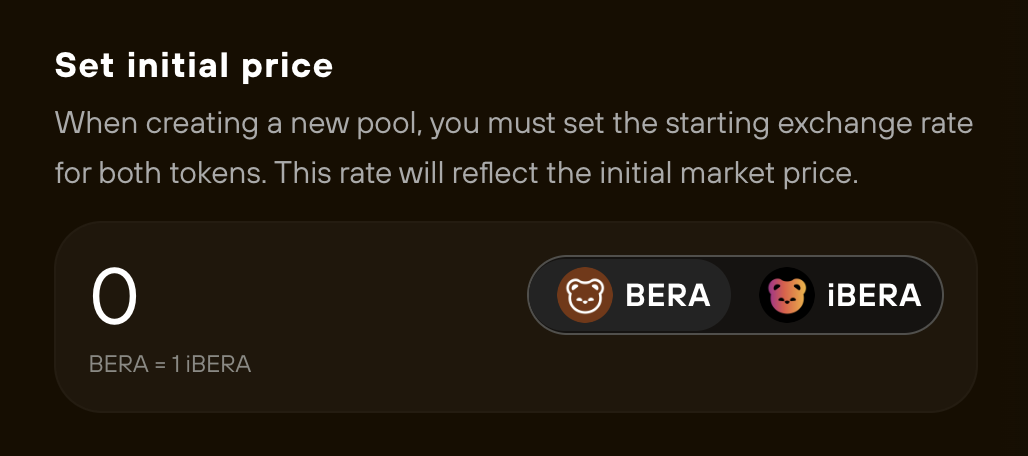
## Select Initial Price
First, try to find the rate of the token from
If `Create new pool` doesn't appears at the bottom, it means a pool already exists for the current pair of tokens at the currently selected fee tier. In this case, refer to our [Create a Position page](https://docs.henlo-winnie.dev/winnieswap/create-a-position).
You can try selecting other fee tiers until you see `Create new pool` .
## Select Initial Price
First, try to find the rate of the token from
 ## Select Price Range
Select the price range you wish to provide liquidity for. By default, we auto select`Full Range` to set the price range to full-range.
## **Enter Amounts**
Enter the amount of each token you wish to deposit to the liquidity pool.
Winnieswap will automatically calculate the proper token amount for the other side of the pair based on the current price of the pair and the price range you've selected as the liquidity pool is already created.
Follow the steps until the `Create a position` button that will turn your tokens pair into an NFT representation of your position.
You will be able to add or remove liquidity in your `My Positions` dashboard and claims your fees.
## Select Price Range
Select the price range you wish to provide liquidity for. By default, we auto select`Full Range` to set the price range to full-range.
## **Enter Amounts**
Enter the amount of each token you wish to deposit to the liquidity pool.
Winnieswap will automatically calculate the proper token amount for the other side of the pair based on the current price of the pair and the price range you've selected as the liquidity pool is already created.
Follow the steps until the `Create a position` button that will turn your tokens pair into an NFT representation of your position.
You will be able to add or remove liquidity in your `My Positions` dashboard and claims your fees.