

Navigate to My Positions
Click theMy Positions option in the navigation bar. Here, you can view your positions, explore the top pools by TVL, and create new ones.
Creating a Position
To begin creating a position, clickNew and choose the tokens you want to add liquidity for. You can provide liquidity for any pair of tokens supported on Winnieswap.
Select Fee Tier
Choose your desired tokens you want to create a position for and select the fee tier. Click onContinue to go into the next step.

Select Price Range
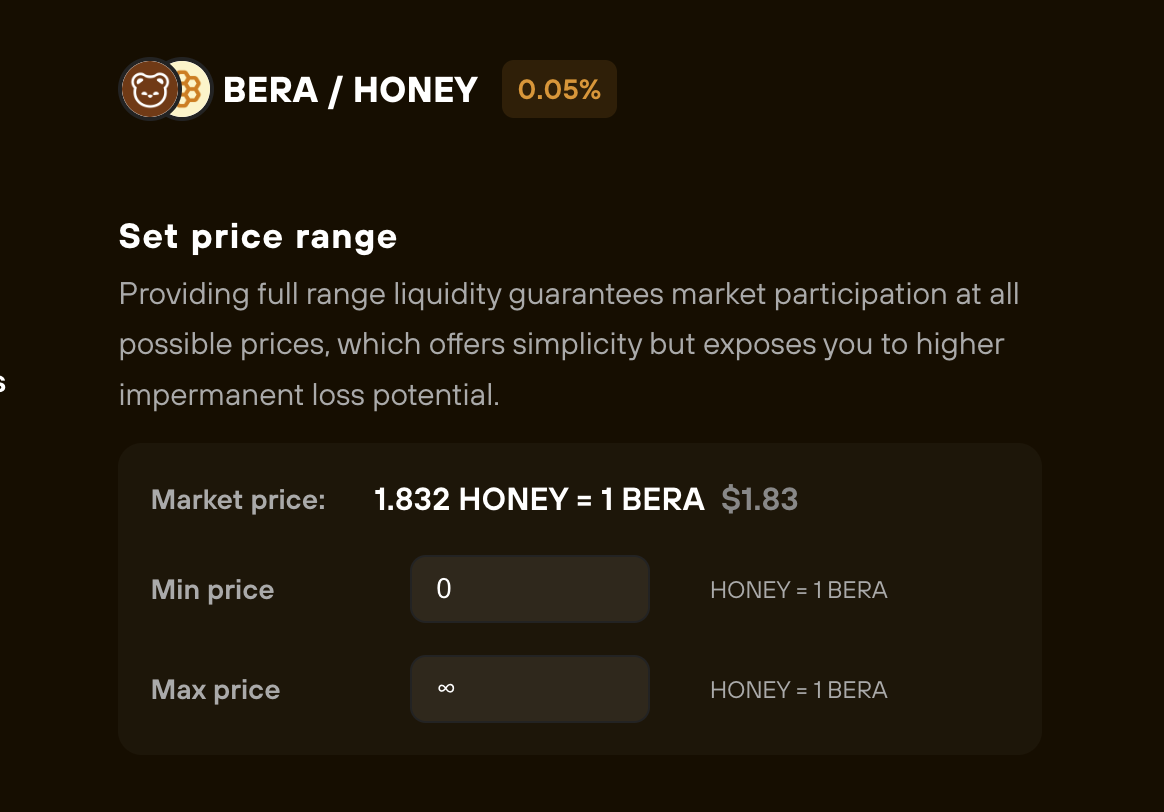
Select the price range you wish to provide liquidity for. By default, we auto selectFull Range to set the price range to full-range.
Enter Amounts
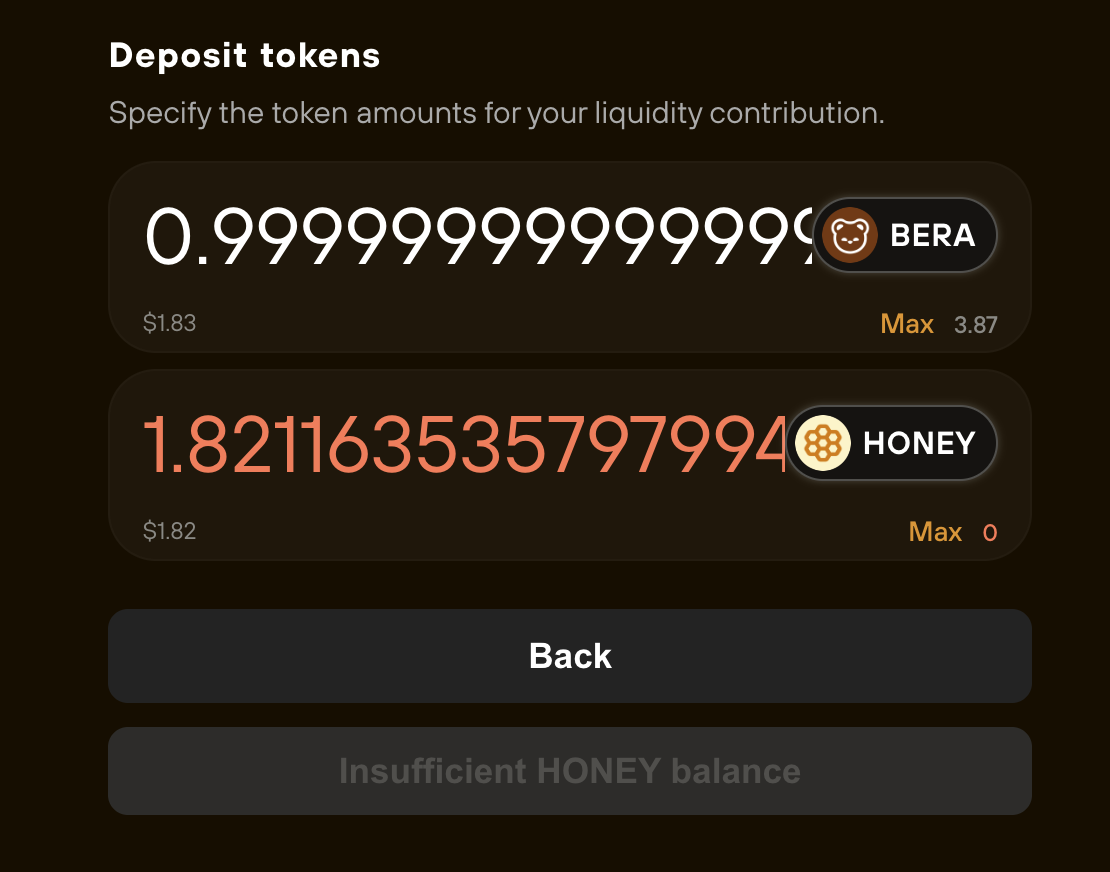
Enter the amount of each token you wish to deposit to the liquidity pool. Winnieswap will automatically calculate the proper token amount for the other side of the pair based on the current price of the pair and the price range you’ve selected as the liquidity pool is already created. Follow the steps until theCreate a position button that will turn your tokens pair into an NFT representation of your position.
You will be able to add or remove liquidity in your
My Positions dashboard and claims your fees.